

Sleep Now
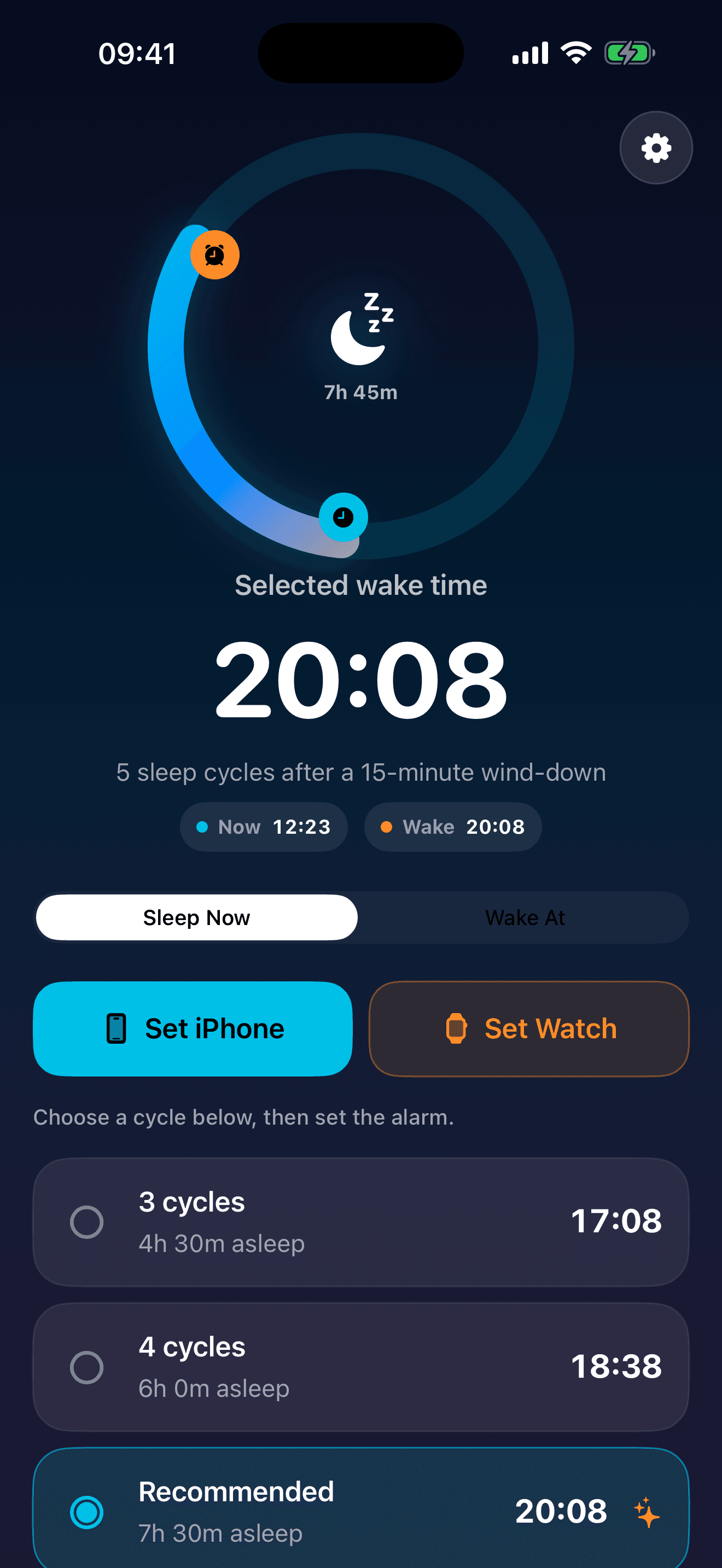
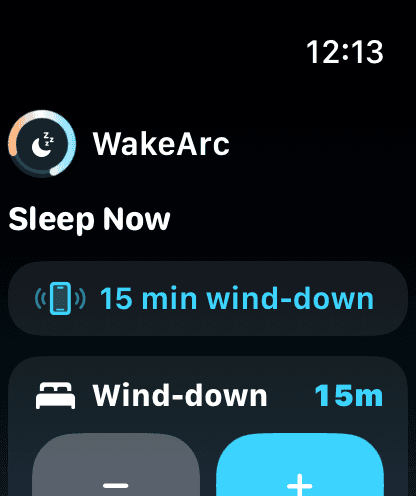
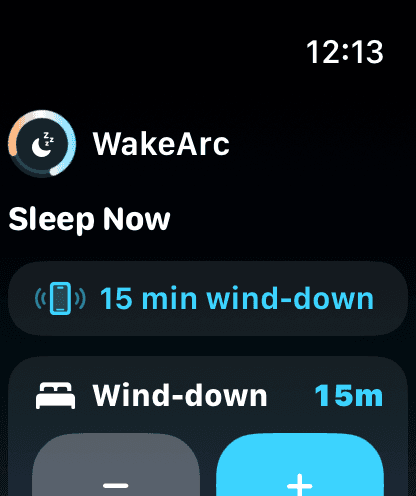
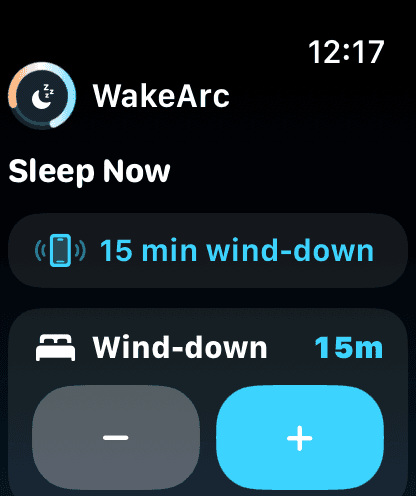
Start from the current time, add your wind-down buffer, and see the next recommended wake time.
Plan a sleep-cycle alarm for iPhone and Apple Watch in one calm flow.
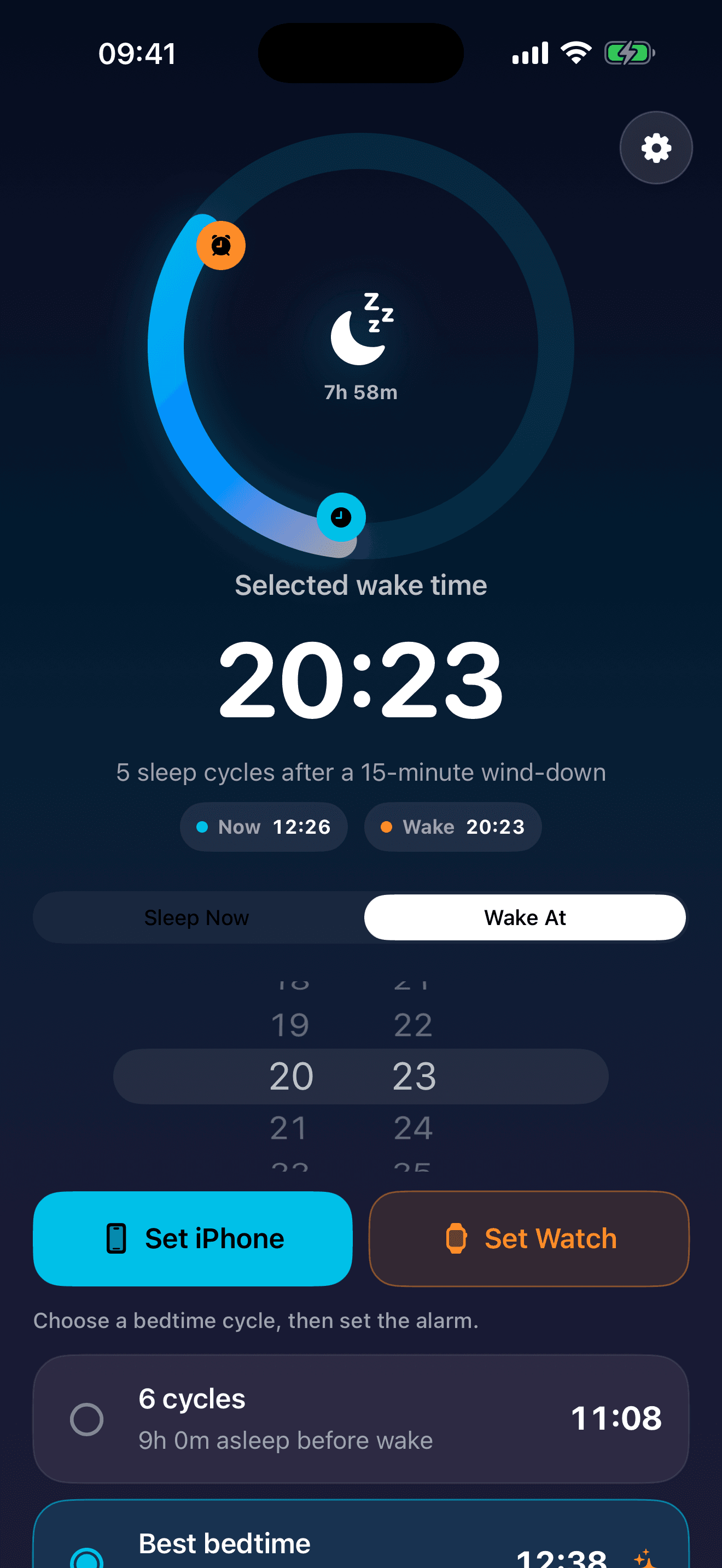
WakeArc works around common 90-minute sleep cycles. Tap Sleep Now for a recommended wake time, or choose Wake At to work backward from the morning.
One-tap night planning
Start from the current time, add your wind-down buffer, and see the next recommended wake time.
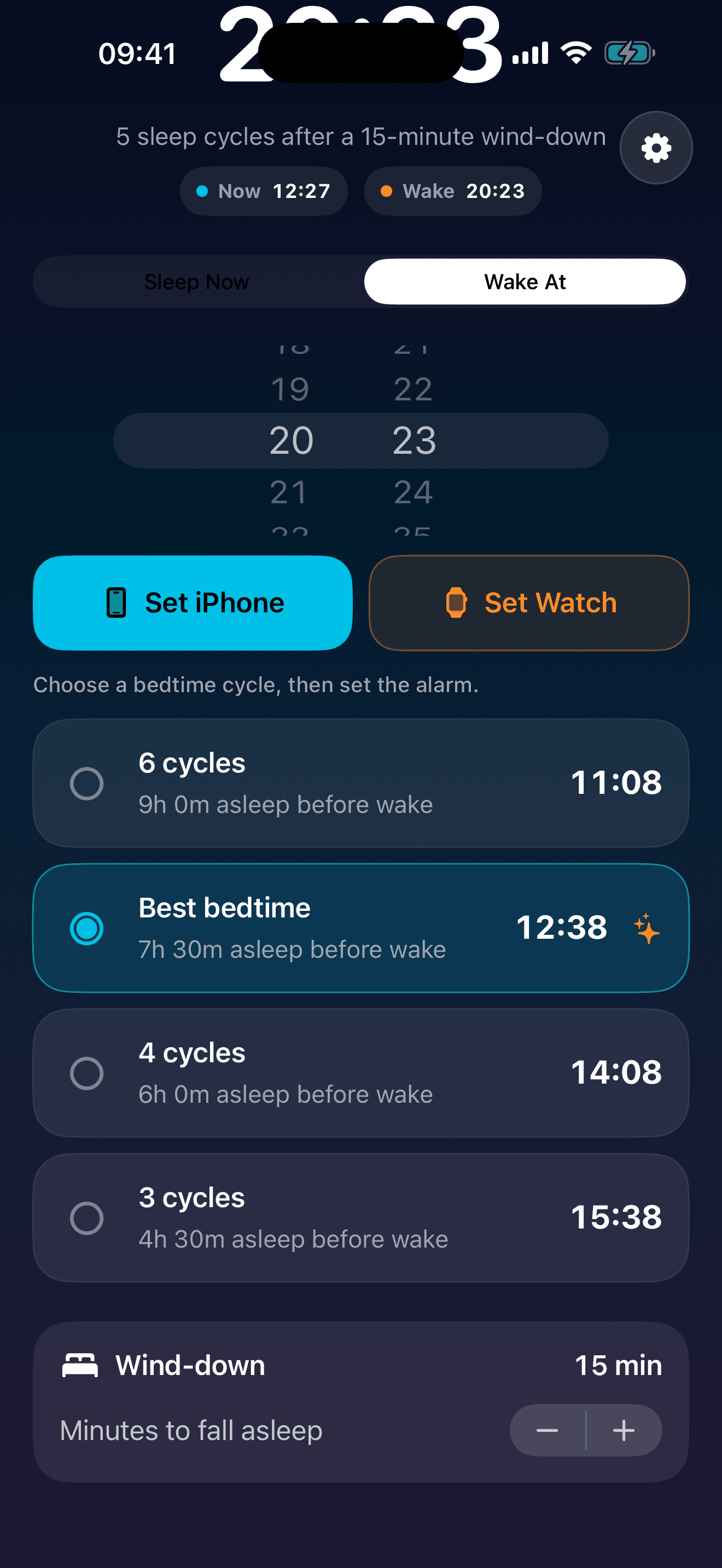
Pick the morning target first, then compare bedtime options around common 90-minute cycles.
Use AlarmKit for the real ringing alarm path, including Watch presentation through the paired iPhone.
iPhone and Apple Watch
On Watch, Set Ring uses the paired iPhone AlarmKit alarm so the system can present the real alarm on your wrist.
Review the selected cycle, adjust the wind-down buffer, and set the alarm flow without turning WakeArc into a heavy sleep tracker.
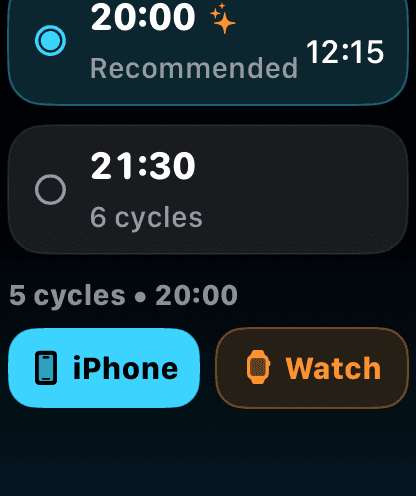
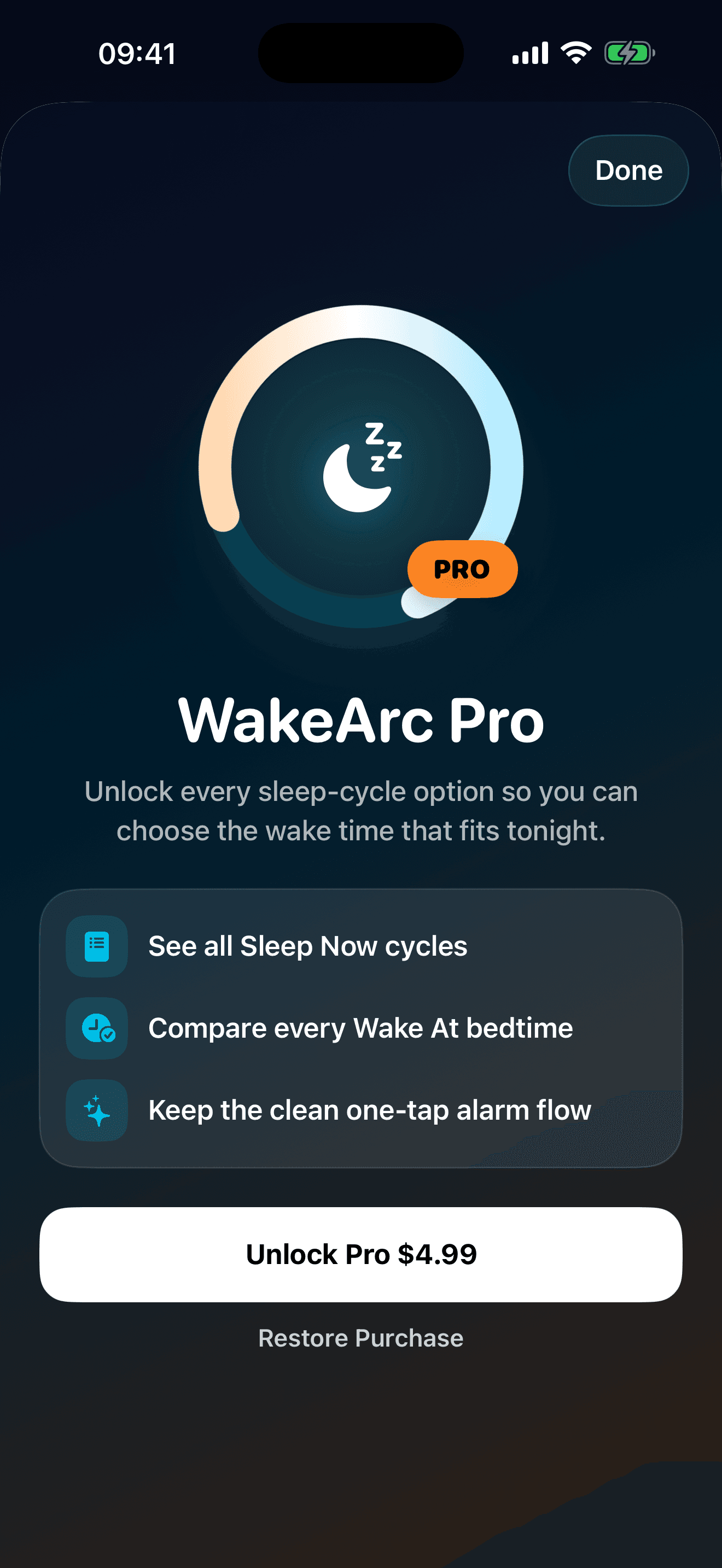
WakeArc is simple by default: free users see the recommended cycle. WakeArc Pro is a one-time unlock for every Sleep Now and Wake At cycle option on iPhone and Apple Watch.